
Send money easily
Check the amount received, the exchange rate and the fees before confirming your transfer.
Where can you send money?
48 countries, with the exchange rate and fees shown before you pay.
- Bangladesh BDT
- Benin XOF
- Bolivia BOB
- Brazil BRL
- Burkina Faso XOF
- Cambodia KHR
- Cameroon XAF
- Colombia COP
- Côte d'Ivoire XOF
- Democratic Republic of the Congo CDF · USD
- Dominican Republic DOP
- Ecuador USD
- Ethiopia ETB
- Fiji FJD
- Gambia GMD
- Ghana GHS
- Guatemala GTQ
- Guinea GNF
- Guinea-Bissau XOF
- Haiti HTG
- Indonesia IDR
- Kenya KES
- Lebanon LBP · USD
- Liberia LRD · USD
- Madagascar MGA
- Malawi MWK
- Mali XOF
- Mauritania MRU
- Mexico MXN
- Morocco MAD
- Mozambique MZN
- Nepal NPR
- Niger XOF
- Nigeria NGN
- Pakistan PKR
- Peru PEN · USD
- Philippines PHP
- Republic of the Congo XAF
- Rwanda RWF
- Senegal XOF
- Sierra Leone SLE
- Tanzania TZS
- Togo XOF
- Türkiye TRY · EUR · USD
- Uganda UGX
- Vietnam VND
- Zambia ZMW
- Zimbabwe USD
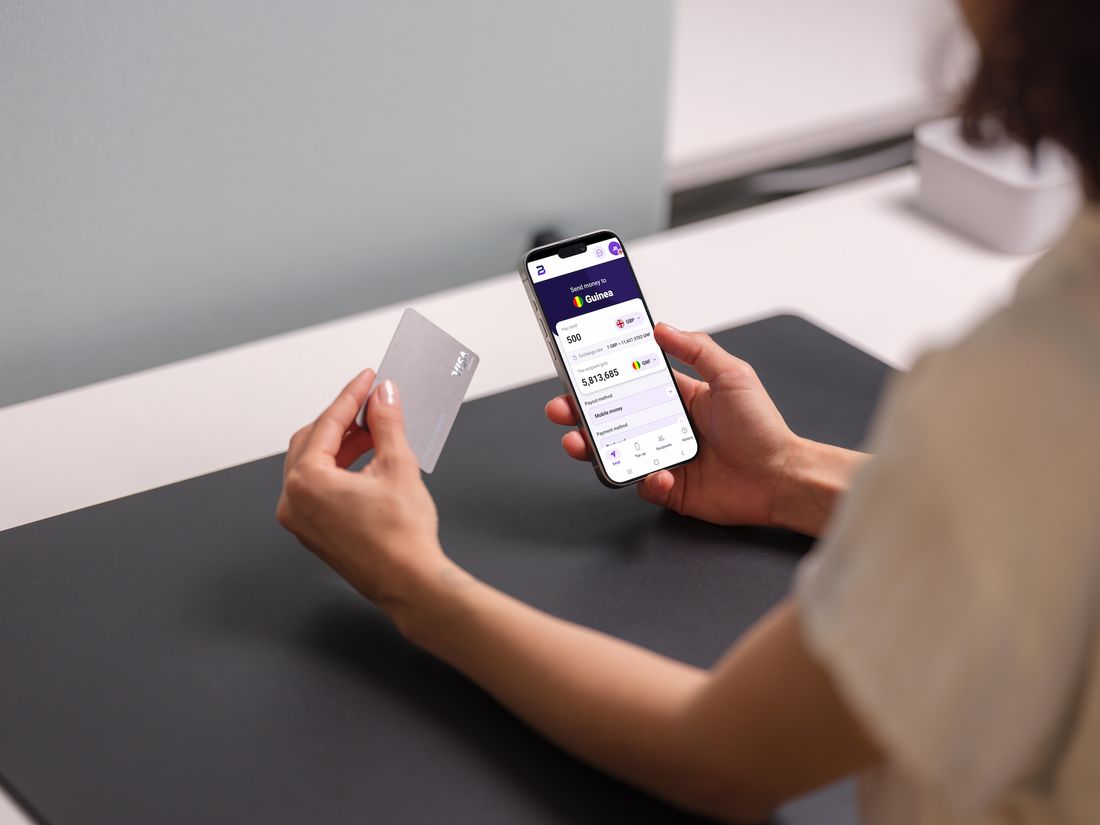
Send money in a few steps
Prepare your transfer, check the details and track it from your Bodezia account.
Get a quote
Enter the amount to send to see the estimated amount your recipient will get.
Add the recipient
Select or add the person you want to send money to.
Check and pay
Review the transfer summary before confirming your payment.
Track your transaction
Find the status, reference and details of your transaction in your account.

Frequently asked questions
Quickly find answers to the most common questions.
Prepare your next transfer with Bodezia
Create your account or use the calculator to preview your next transfer.